 0
0
 0
0
The Deco Pic app is a pre-installed camera utility found on many Samsung smartphones. While it may appear suddenly on your phone, it is not a virus. Rather, it is designed to enhance photo-taking experiences with fun filters, stickers, and augmented reality (AR) features. Many users, however, are unsure about its function, benefits, and whether it’s safe or even necessary to keep. In this guide, we provide a comprehensive look at what the Deco Pic app is, what it does, how to use it, and whether or not you should uninstall it.
What Is the Deco Pic App For?
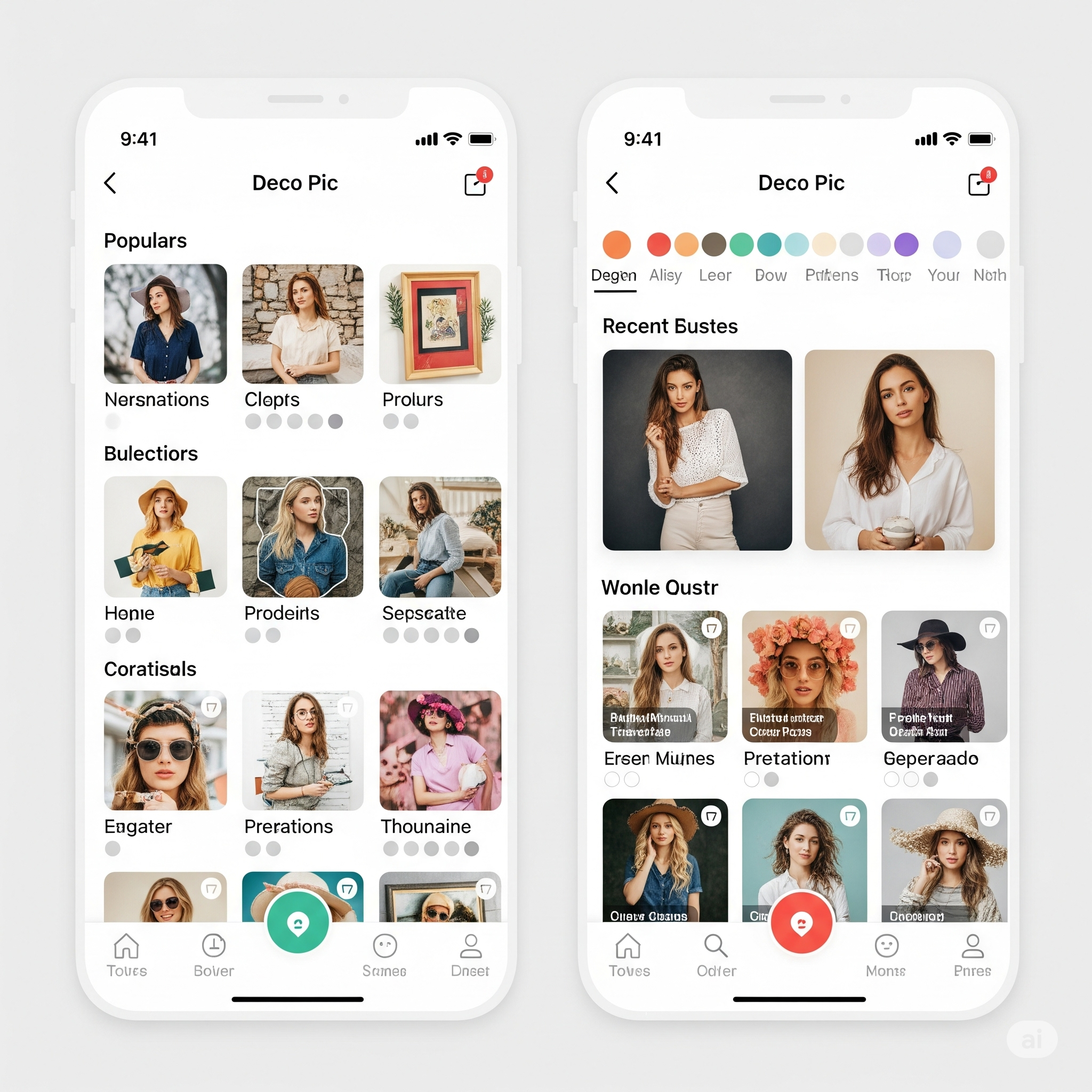
The Deco Pic app is a native Samsung application that integrates augmented reality features directly into your phone’s camera. It allows users to:
-
Apply real-time filters and effects
-
Add animated stickers and frames
-
Use fun facial recognition-based overlays
-
Capture images and videos with creative enhancements
This tool is particularly popular among users who enjoy adding decorative elements to their selfies or social media content. It’s tailored for casual photography, adding a playful touch to standard photos.
What Is Deco on My Phone?
If you’ve ever noticed an app named “Deco Pic” suddenly appear on your phone, especially after a system update, it’s because Samsung includes it by default in recent Android updates. It is not malware or a third-party intrusion; it is part of Samsung’s suite of camera-related features.
You can usually find it in your Apps drawer or Samsung folder. The app does not run in the background, does not consume noticeable battery or data, and doesn’t collect sensitive information beyond typical camera permissions.
Is the Deco App Good?
In terms of performance and utility, the Deco Pic app is well-optimized for Samsung devices. It offers:
-
Smooth integration with the device camera
-
Lightweight design, occupying minimal storage
-
Fun AR features ideal for social media
-
Easy-to-use interface
For users who frequently take selfies or like sharing personalized photos, Deco Pic is a creative and enjoyable tool. However, for those who prefer clean and minimalist devices, it may feel unnecessary.
What Is the Function of Deco?
The primary function of Deco Pic is to provide users with real-time AR filters and effects to customize their photos and videos. It mimics the features found in apps like Snapchat and Instagram, but without the need for an internet connection or third-party software.
Key Functions Include:
-
Face tracking stickers
-
Real-time visual enhancements
-
Camera-based effects
-
Custom filters and borders
-
In-app photo capturing
What Can Deco See?
The Deco Pic app only accesses your camera when in use. It does not monitor or record in the background. When opened, it requests camera and microphone permissions (for video functionality). It cannot access your personal files, messages, or apps.
Privacy-wise, it’s as secure as any other native camera application. There is no indication that Deco Pic engages in background data collection beyond its scope of functionality.
Is Deco Pic a Virus?
No, Deco Pic is not a virus. It is a legitimate application developed by Samsung Electronics, pre-installed on many Galaxy phones. While its sudden appearance may alarm users, especially after system updates, it poses no threat to your device or data.
However, some users confuse it with bloatware due to its unexpected installation. While not harmful, you can choose to disable or remove it if it doesn’t serve your needs.
Can I Delete a Deco Pic From My Phone?
You cannot completely uninstall Deco Pic from your Samsung device unless your phone is rooted. However, you can:
-
Disable the app through system settings
-
Hide the app icon from your app drawer
-
Remove updates to revert it to its factory version
This will free up space and prevent it from appearing in your apps list, though the core app will remain dormant on your device.
Should I Uninstall Deco Pic?
Whether or not to uninstall or disable Deco Pic depends on your personal usage:
You should consider uninstalling or disabling it if:
-
You never use camera stickers or AR effects
-
You want to free up storage
-
You prefer a minimalist phone setup
You should keep it if:
-
You enjoy personalizing photos
-
You frequently use AR filters
-
You share a lot of content on social media
How to Use Deco Pic
Using Deco Pic is simple and straightforward:
-
Open the app from your app drawer.
-
Select from available options like:
-
Stickers
-
Masks
-
Frames
-
Stamps
-
-
Point your camera at a subject.
-
Apply effects in real-time.
-
Tap the shutter button to capture photos or videos.
Photos and videos are automatically saved to your Gallery, ready for editing or sharing.
Deco Pic Stickers and AR Effects
The Deco Pic stickers are animated and themed effects that respond to facial movements. Categories include:
-
Animal ears
-
Seasonal themes (Christmas, Halloween)
-
Funny masks
-
Retro filters
-
Emoji overlays
These stickers are updated periodically through Samsung system updates. They are optimized for real-time usage without lag.
Deco Pic App for Android
Deco Pic is exclusive to Samsung Galaxy devices running Android 11 and above. It is not available for download on Google Play for non-Samsung devices.
If you use a non-Galaxy Android phone, similar alternatives include:
-
YouCam Fun
-
Snow Camera
-
Snapchat filters
-
Instagram Camera Effects
Deco Pic App Download and Uninstall Instructions
To uninstall or disable the Deco Pic app:
-
Go to Settings > Apps
-
Scroll to Deco Pic
-
Tap on the app
-
Choose Disable (or Uninstall Updates if disable isn’t available)
This will prevent the app from running and remove it from your visible apps list.
What Happens if I Delete My Deco Network or App?
If you confuse Deco Pic with TP-Link Deco, which is a Wi-Fi mesh network system, deleting the Deco app (in that context) will disconnect your network and make it unmanageable remotely.
However, if referring to Samsung’s Deco Pic, disabling or uninstalling it has no negative consequences for your phone or other system features.
How Do You Get Rid of Deco?
To completely remove Deco Pic, you would need to:
-
Root your device (not recommended for casual users)
-
Use third-party software like ADB (Android Debug Bridge) to uninstall system apps
Alternatively, disabling it as outlined above is a safe and reversible solution.
What Is a Deco Device?
In some contexts, the term “Deco device” refers to the TP-Link Deco Mesh Wi-Fi System, which is unrelated to Samsung’s Deco Pic app. The Deco device in that case is a hardware tool to enhance Wi-Fi coverage in large homes.
Do not confuse Deco Pic with TP-Link Deco hardware, as they serve entirely different functions.
Conclusion
The Deco Pic app is a lightweight, fun, and useful tool for enhancing your camera experience on Samsung devices. While not essential for everyone, it delivers valuable features for photo customization, especially for users active on social media. It is not spyware, bloatware, or a virus, and it can be easily disabled if unwanted. Whether you choose to keep or remove it, Deco Pic is safe and under your control.


