 0
0
 0
0
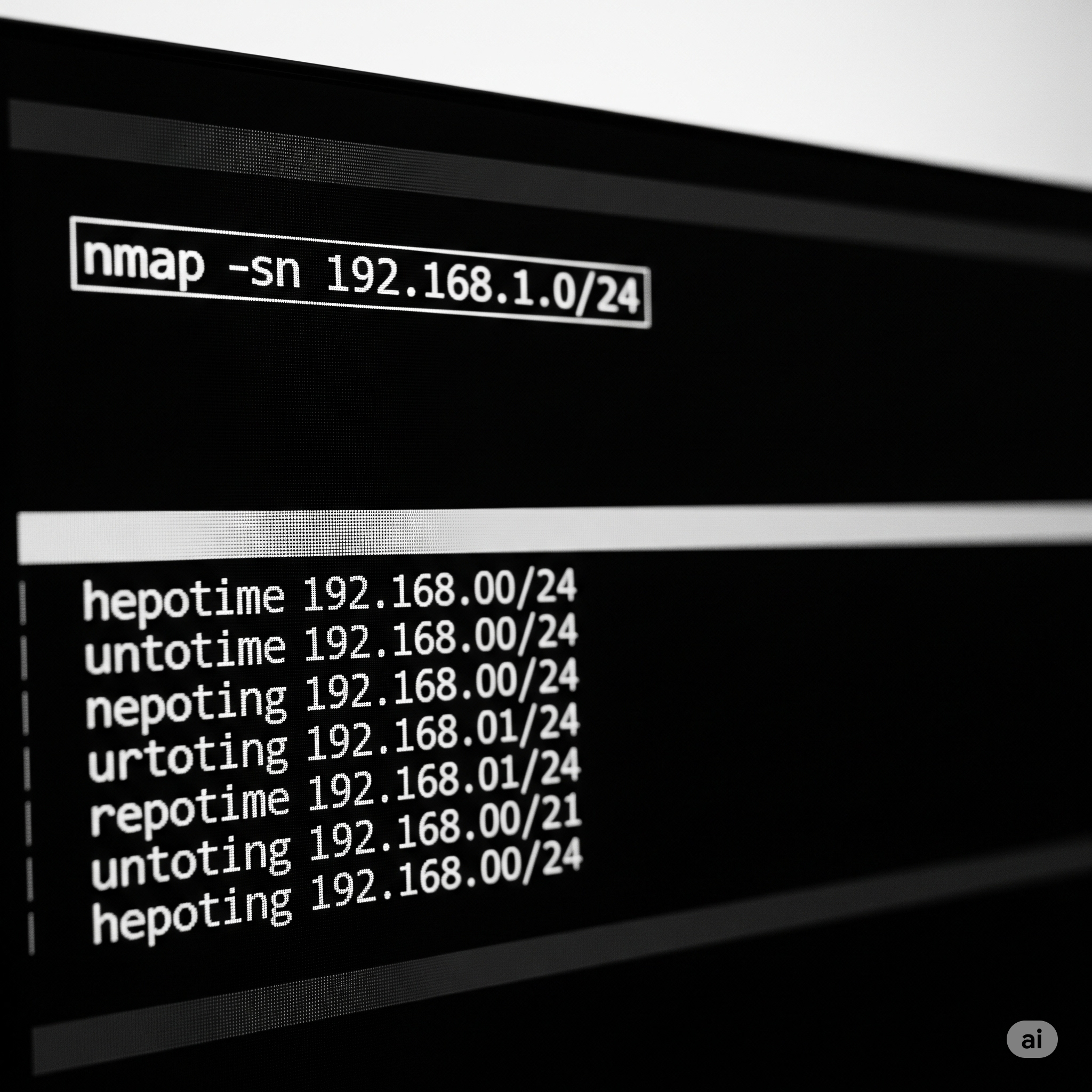
When it comes to network security and reconnaissance, Nmap remains one of the most trusted tools in any IT professional’s toolkit. The command nmap -sn 192.168.1.0/24 is often used in local network diagnostics, penetration testing, and device discovery. In this article, we provide a comprehensive look at what this command does, why it’s used, and how it relates to concepts like IP addressing, subnet masks, legality, and ownership.
What Does nmap -sn 192.168.1.0/24 Do?
The -sn flag in Nmap disables port scanning and instead performs a ping sweep, meaning it only checks which hosts are up in the specified network range. In the command nmap -sn 192.168.1.0/24, Nmap scans all 256 IP addresses (from 192.168.1.0 to 192.168.1.255) in the local subnet and identifies which devices are online.
This is commonly used for network inventory, identifying rogue devices, or troubleshooting connectivity.
What is 192.168.1.1 in Nmap?
The IP address 192.168.1.1 is usually the default gateway or router address on many home and small office networks. When scanning the 192.168.1.0/24 range with Nmap, the IP 192.168.1.1 is one of the hosts that will be checked. If the device at that address is online, Nmap will report it as “Host is up”.
This makes 192.168.1.1 especially important in a scan since it typically provides access to router configurations, DHCP, DNS, and network routing.
What is the Subnet Mask of 192.168.1.0/24?
The notation /24 represents a CIDR (Classless Inter-Domain Routing) prefix and corresponds to a subnet mask of 255.255.255.0. This subnet mask allows for 256 total IP addresses, of which 254 are usable (excluding the network address .0 and broadcast address .255).
Thus, when you see 192.168.1.0/24, it refers to the entire IP block from 192.168.1.1 to 192.168.1.254, which is a common subnet in private networks.
What is 24 in Nmap?
In the context of the command nmap -sn 192.168.1.0/24, the 24 is the CIDR notation that specifies how many bits of the IP address are fixed as the network portion. A /24 means the first 24 bits (192.168.1) are network bits, leaving the remaining 8 bits for host addresses.
This gives you 2⁸ = 256 addresses, which Nmap will scan sequentially to detect active devices.
Is Nmap Illegal?
Nmap is not illegal, but how you use it can be. Using Nmap to scan your own network or with permission from the network owner is entirely legal. However, scanning external networks, especially corporate or government infrastructure, without consent can be classified as unauthorized access or cyber trespassing under laws such as the Computer Fraud and Abuse Act (CFAA) in the United States.
Some organizations may even consider unsolicited scans a prelude to an attack, which could lead to legal consequences or blacklisting.
Always get written permission when scanning a network that you don’t own.
Should I Delete Nmap?
You should not delete Nmap unless you no longer need it or you installed it accidentally. It is a completely safe and open-source tool, widely used by professionals in cybersecurity, networking, and systems administration.
However, if you are not trained or do not understand its functionality, you might want to avoid running aggressive scans, which could trigger firewalls, alerts, or impact network performance.
If you’re in a shared or corporate environment, consult your IT team before using Nmap.
Can You Nmap Yourself?
Yes, you can use Nmap to scan your own machine, typically using the loopback IP address 127.0.0.1 or your actual internal IP (e.g., 192.168.1.x). This is a common practice to:
-
Check which services are running
-
Identify open ports
-
Detect vulnerabilities or misconfigurations
Example:
This command scans the local host and displays the services running on open ports.
Who Owns Nmap?
Nmap is owned and maintained by Gordon Lyon, also known by his alias Fyodor. He is the original author and continues to lead its development under the Nmap Project.
Nmap is distributed under the GNU General Public License (GPL), which means it is free software that can be freely used, modified, and distributed, as long as the terms of the GPL are met.
The Nmap Project also maintains a variety of resources including:
-
Zenmap (Nmap’s graphical frontend)
-
Nmap Scripting Engine (NSE)
-
Security news and documentation
Official website: https://nmap.org
Practical Uses of nmap -sn 192.168.1.0/24
Here are common use cases for this specific Nmap command:
1. Discover Devices in Your Network
When setting up a new network or troubleshooting, it’s essential to know what devices are connected.
This returns a list of active devices, including IP addresses and, where possible, MAC addresses and hostnames.
2. Identify Unauthorized Hosts
Detecting unknown devices on your network can prevent unauthorized access, especially in sensitive environments like corporate offices or data centers.
3. Validate DHCP Assignments
Verifying which IP addresses are in use ensures that your DHCP server is allocating addresses correctly and prevents IP conflicts.
How to Use the Output of Nmap Effectively
Once you run the scan, the output provides:
-
IP address
-
Host status (up/down)
-
Optional hostnames
-
MAC address and vendor (if available)
Use this information to:
-
Cross-check device inventory
-
Verify network segmentation
-
Identify suspicious devices
-
Analyze network performance
Security Best Practices When Using Nmap
To ensure responsible usage:
-
Always get permission before scanning third-party networks.
-
Avoid overly aggressive scans on production systems.
-
Document your scans for auditing and compliance.
-
Use VPNs or isolated environments for offensive security testing.
Conclusion
The command nmap -sn 192.168.1.0/24 is a powerful, safe, and legal tool when used properly. It allows professionals to identify live hosts in a given subnet quickly and efficiently. Understanding related concepts such as 192.168.1.1, subnet masks, CIDR notation, and Nmap’s legality is crucial for both beginners and advanced users.
Nmap remains a cornerstone of modern network management, threat detection, and cybersecurity education.


